
 www.youtube.com/@mr_hunter
 Join our Discord
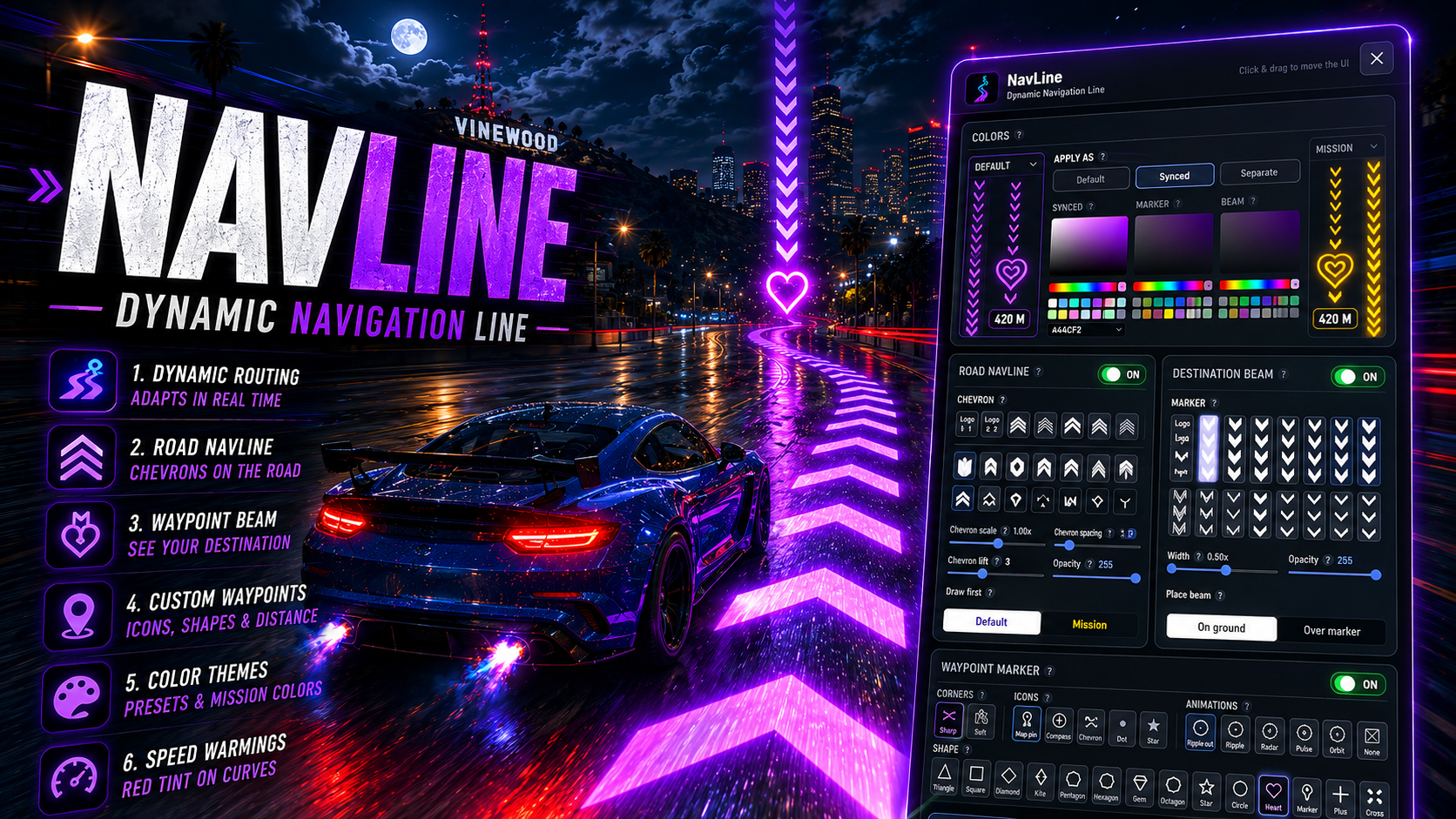
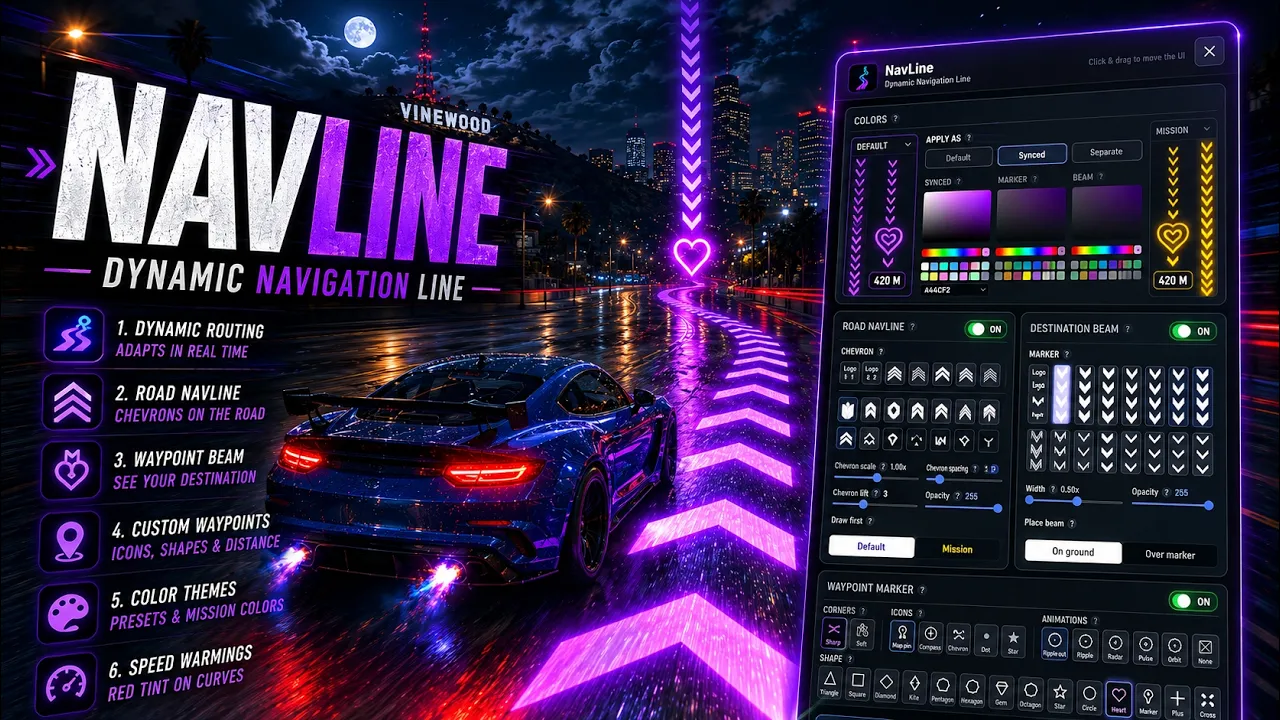
NavLine | Dynamic Navigation Line for FiveM | FiveM Waypoint Script

Features:
Routing
Recorded road graph pathfinding — routes follow real streets and paths
Dynamic rerouting when you miss a turn or take a different fork
Smart sticky routing so the line doesn’t jump around every second
Road-type aware routing (highway, city, mud, etc.)
Road NavLine
Glowing chevrons drawn on the road ahead of you
Multiple chevron styles (including custom logo textures)
Adjustable scale, spacing, lift, and opacity
Speed warnings — chevrons tint red on sharp curves
Waypoint Marker
Large choice of shapes, icons, and animations
Optional distance label (e.g.
188 M)Scale and opacity controls
Snaps cleanly to roads and handles stacked roads / overpasses
Destination Beam
Vertical chevron stack pointing at your waypoint
Place on ground or over the marker
Width and opacity controls
Colors & Themes
Full color picker with presets
Default and Mission waypoint colors
Synced or separate colors per element (road, marker, beam)
Settings UI
Modern in-game settings panel (drag to move)
Live preview while you adjust
Save / reset defaults
Opens with your configured keybind
HUD
Off-screen waypoint indicator when the marker isn’t on camera
On-screen pin when the waypoint is visible
Performance
Optimized for smooth gameplay — render budgets, deferred GPS work, and light route transitions so FPS stays stable
More optimization will be done throughout the coming days based on feedbacks we get
NOTE:
• The purchase process is done through Tebex, the official partner of Fivem, after the purchase you will have access to the files by connecting to the keymaster in the Purchased assets tab, with the files in hand, start them.
• We're using the cfx team's Asset Escrow, so you'll have the freedom to replace textures only.